Downloadable vs. Web-Based Classroom Games: Pros and Cons
The format of a game decides what happens when the Wi-Fi drops, how long setup takes and what student data leaves your room. It's worth picking on purpose, not by accident.
Short answer: downloadable games work without internet, need no student accounts and keep working after you buy them, but they don't track individual progress across devices. Web-based games are quick to share with a link and can save each student's progress, but they need a steady connection and usually an account. Many teachers use both: downloadable games for whole-class play on the board, web-based games for individual practice.
Side by side
| Downloadable games | Web-based games | |
|---|---|---|
| Internet | Not needed once downloaded | Needed the whole time |
| Setup | Download once, then open the file | Open a link; students often sign in or join with a code |
| Student accounts | Usually none | Often required for saved progress |
| Student data | Stays on the device | Depends on the company's privacy policy |
| Progress tracking | Limited; scores live on the screen | Often detailed, per student |
| Updates | You re-download to get changes | Automatic, which can also change a game mid-year |
| Long-term cost | Often a one-time purchase | Often a free tier plus a subscription |
| If the company shuts down | Your copy keeps working | The game goes away |
When downloadable games are the better choice
- Your Wi-Fi is unreliable. A game that's already on the computer can't buffer, time out or get blocked by a filter.
- You play as a whole class on one screen. A shared-screen game doesn't need 30 logins to start.
- You want to keep student data out of the picture. A game with no accounts has nothing to collect.
- You want to own what you paid for. A file you bought doesn't need a renewal each August.
When web-based games are the better choice
- Each student practices on their own device and you want a report of who mastered what.
- Students play at home and need to pick up where they left off.
- You need content you can't get elsewhere, such as quizzes you write yourself on the fly.
How Fletcher Math fits
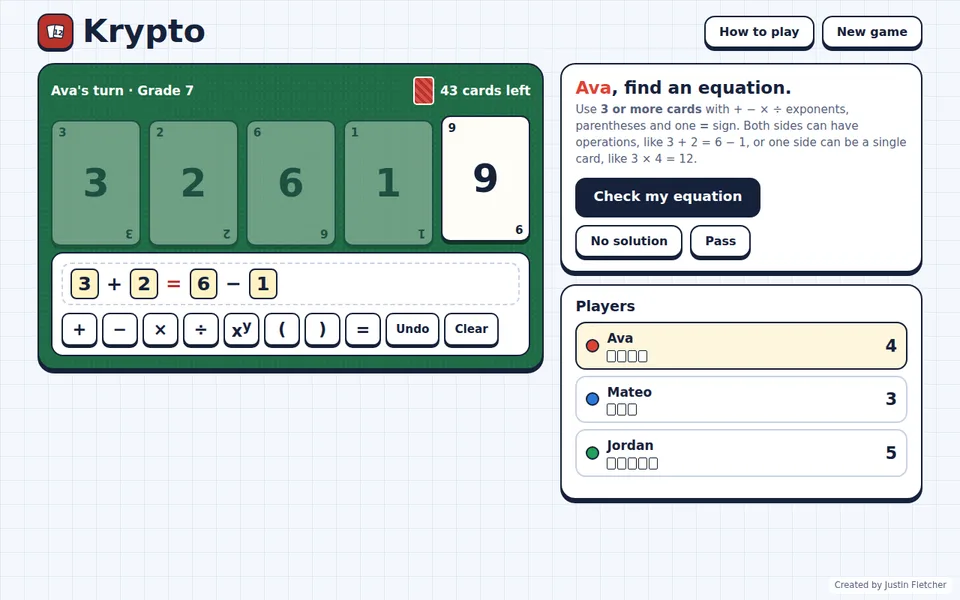
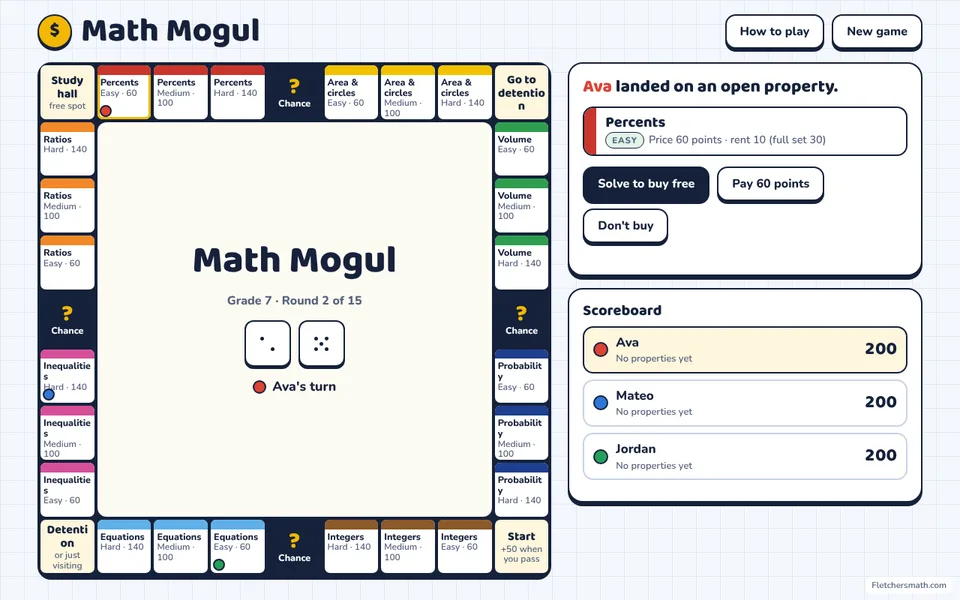
Fletcher Math has both. The 266 classroom games (math, reading and science, K–12) are downloads: $5 each or all of them with a one-time license, no student logins, and they work offline. Try one with Krypto or Math Mogul. Fletcher Math Premium is the web-based side: 138 arcade games students play in the browser with a class code, as a monthly or yearly membership. For a side-by-side with other popular platforms, see how Fletcher Math compares.
Common questions
Do downloadable classroom games need to be installed?
Not always. Fletcher Math games are single HTML files: you download them once and open them in any browser, with nothing to install.
Can downloadable games track student progress?
Usually not per student, because there are no accounts. Scores show on the shared screen during play. If you need per-student reports, a web-based platform is a better fit for that part of your day.